Photo to text art
A picture made of Braille characters. Your photo stays on your device.
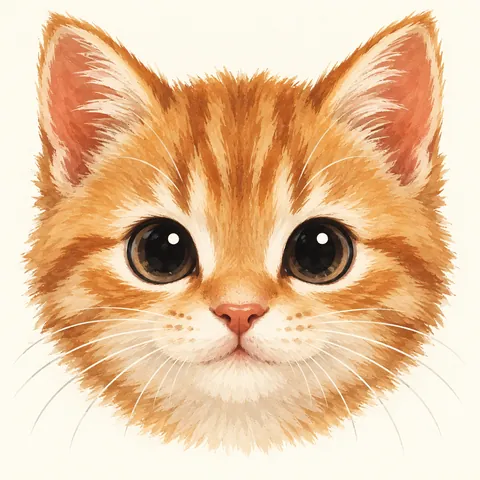 Example photo
or drop it here · JPEG, PNG or WebP up to 25 MB
Example photo
or drop it here · JPEG, PNG or WebP up to 25 MB
Here you can create and view text art. To copy and share it, use the Fonts & Tags app for iPhone and iPad.
How the picture is built
Each Braille character is a grid of 2 × 4 dots, and Unicode has all 256 combinations, from an empty cell ⠀ to a full one ⣿. The converter makes the photo black and white, spreads the shades into dots and packs every 2 × 4 block of pixels into one character. That packs four times more detail into a line than classic ASCII art with letters.
Getting a good result
Photos with one clear subject and a plain background work best: a face, a pet, a logo. Use Invert to see how the art looks on a dark background. Narrow art of 32 to 48 characters fits a chat message; wider art keeps more detail.
On this page you can create and view text art. To copy it into chats and share it, use the Fonts & Tags app for iPhone and iPad: it has the same kind of converter, with widths from 24 to 1000 characters.
Questions
Is my photo uploaded anywhere?
No. The conversion runs in your browser; the photo is not sent to a server.
Can I copy the text art?
This page is for creating and viewing it. To copy and share text art, install the Fonts & Tags app for iPhone and iPad for free.
Is it really ASCII art?
People call it ASCII art, but it uses Braille characters from Unicode rather than the 95 printable ASCII characters.
More tools

The same styles, saved texts and tags, and your own keyboard look in any app. Install it for free.